

Latest articles
Mac-terminal.com - A guide to the Terminal in Mac OS X
This page aims to be a great asset for Mac users who wants to learn more about the functions and commands in the Terminal. A beginner should be able to learn the basics in how the Terminal works, but at the same time be useful to the more advanced users who can use the information to quickly refresh the memory when it fails.
For simplicity, this site is divided into different kind of sections. Below is a simplified structure to help you navigate on the page.
Files and folders
Documentation of the functions involved in the management of files, folders, compressed files, etc. in the terminal on Mac OS X.
Working with files and folders in the Terminal
- cd - change directory
- ls - list the content of a directory
- pwd - Shows the current working dir
- mkdir - Create directories
- rm - Removing files and directories
- cp - Copying files and folders
- mv - Moving files and folders
- ditto - Moving files and folders (advanced)
-
File and group permissions in the Terminalen
chmod chgrp chown
Network
Review of the commands and functions in the Terminal that has to do with network settings and configurations.
Networking tools in the Terminal
System
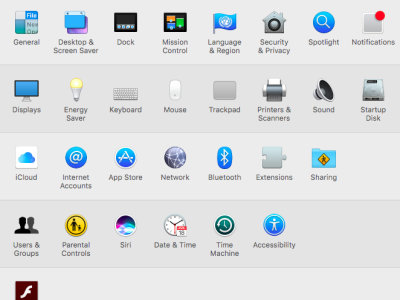
The terminal is superb when you need to make advanced settings on your Mac. Find out information about your computer, manage hard drives and disk space etc.
System preferences in the Terminalen
- System information - View system information about your computer
- Sudo - Execute commands as a super user (Administrator)
- Processes - List and manager processes that are running on your Mac
- Crontab - Scheduled tasks
- Customize your Mac - Advanced settings
- Users - Manage user accounts from the Terminal
Misc
Other functions and commands in the Terminal that might be fun to know about.
Miscellaneous functions in the Terminal